
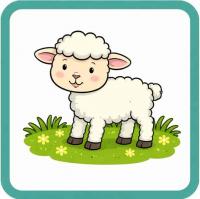
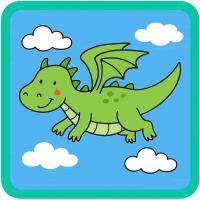
You can now generate any tile for your Mighty Writer resource, in any genre using our A.I. tool.
From letter writing, to storytelling and instructions, simply follow the instructions below to create your own images.
1. Open the A.I.
Click the link below to open the A.I. tool.
Since it has been built using Gemini, you may need to log in to a Google Account to use it.
2. Give it a Theme, an Object, a Person, or a Scene to Illustrate
Simplistic prompts such as "sandwich", "police officer", or "book" will work fine.
If you would like specific details, you can prompt it - "A blue open book", "A female police officer", "A librarian scanning books", "A red apple on a teacher's desk" etc.
The AI will generate multiple images for you to use.
Remember: you can generate any image, from any genre to use with your Mighty Writer Resource.
3. Let it Generate!
It may take a minute or two for the A.I. to generate your images.
4. Download the Images
Download the image or images, add them to a Word or Google Doc, and rescale if needed. Mighty Writer tiles are 5.5cm by 5.5cm.
5. Print the Tiles & Cut them out
Once you have rescaled the images, you can print and cut out the tiles to add to the clear plastic wallets.
6. Add to your Mighty Writer Toolbar!
Once you have printed the images and added them to the clear plastic wallets, you can build your custom toolbar!